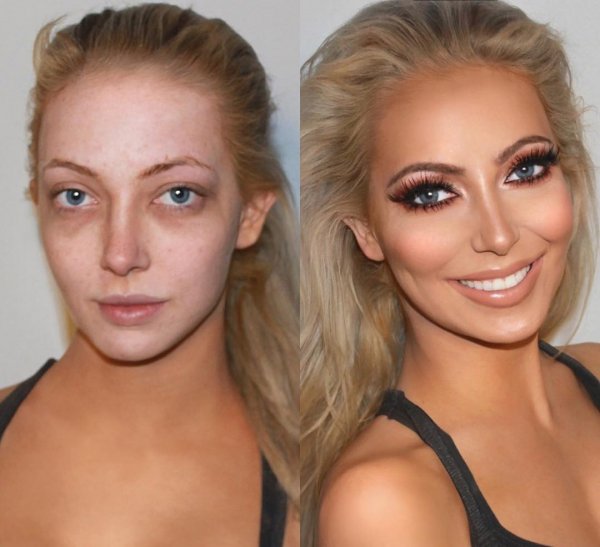
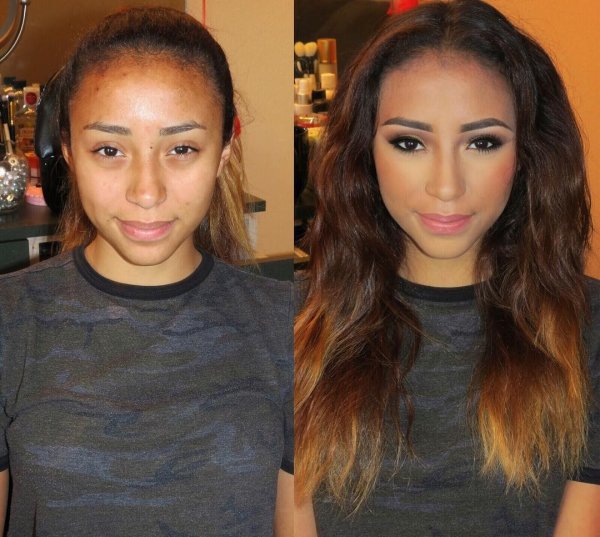
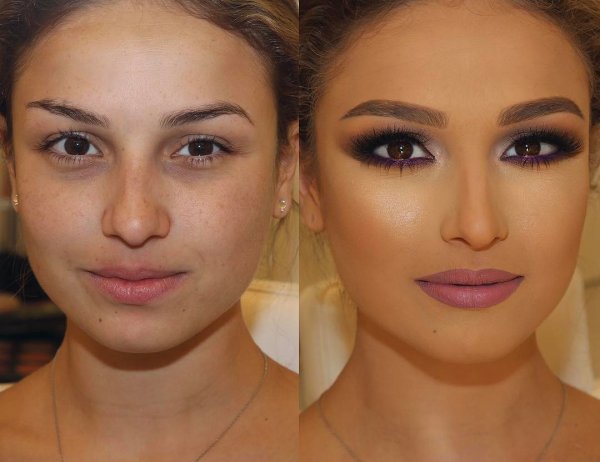
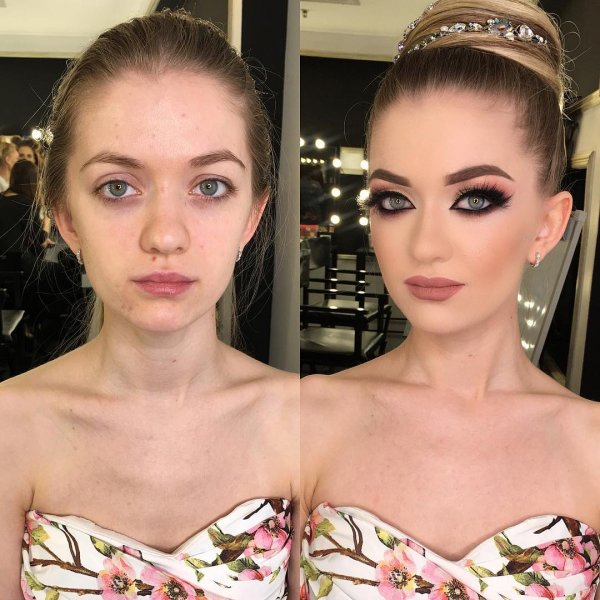
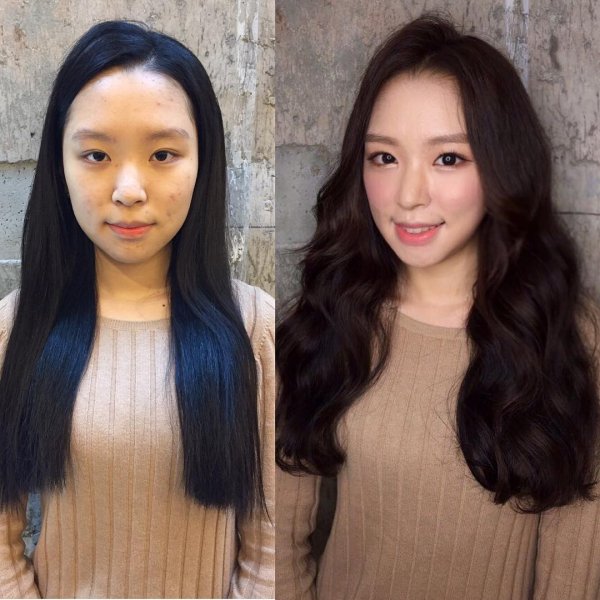
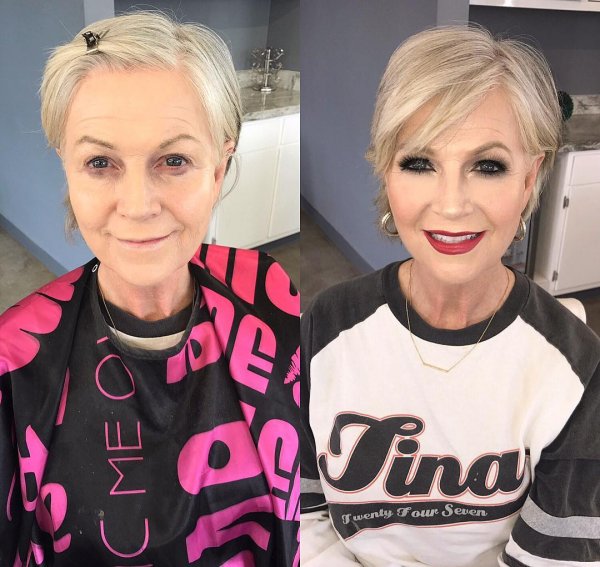
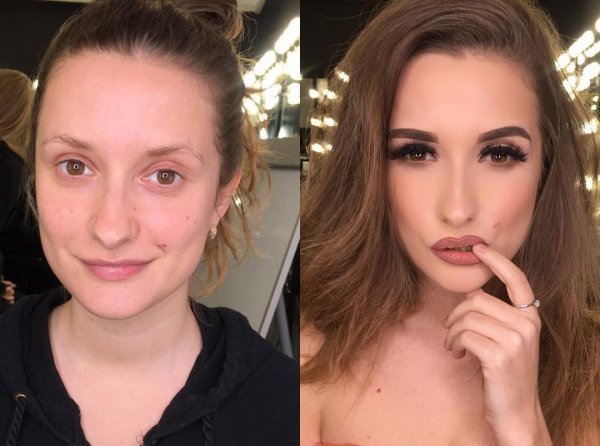
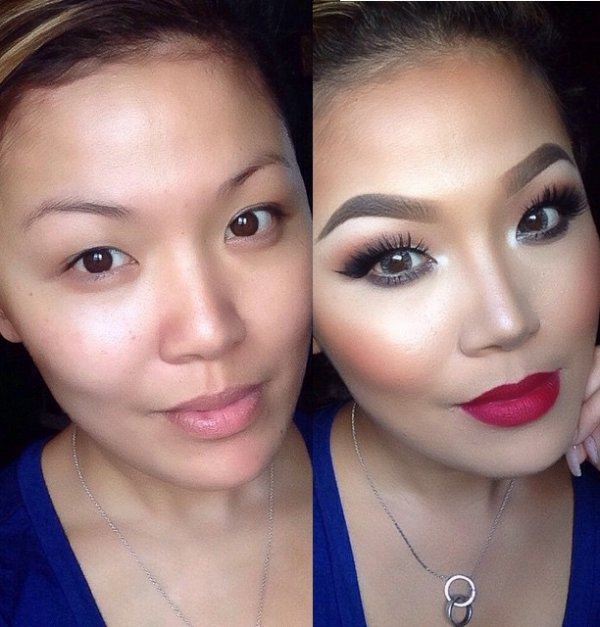
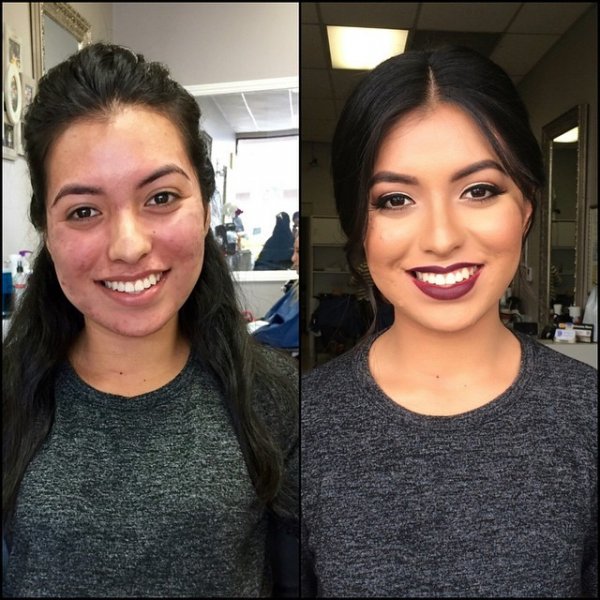
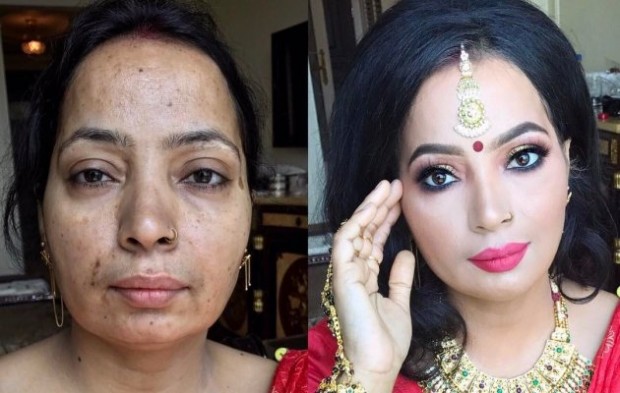
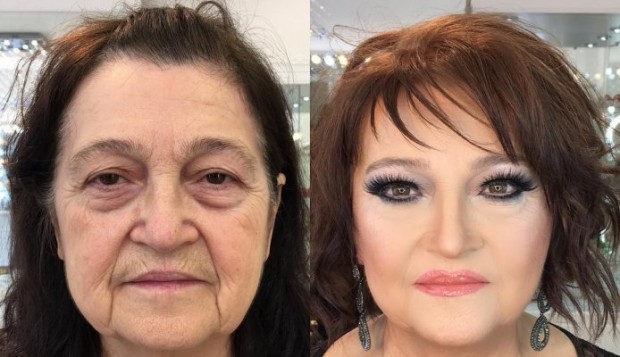
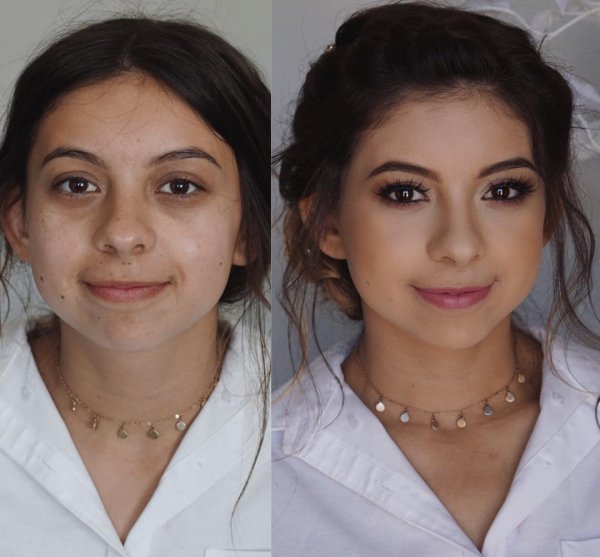
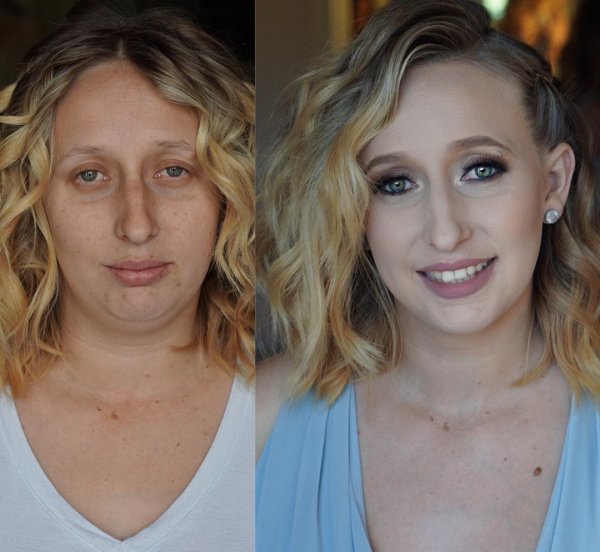
NE ŽENITE IH DOK SE NE UMIJU: Zapanjujuće slike žena pre i posle šminkanja, broj 11 je HAOS! (FOTO)

Svi žele da imaju savršen izgled sa glatkom kožom, punim usnama, dugim trepavicama – to je sigurno ono o čemu mnogo žena sanja.

No, kako biste postigli ovo nije vam potreban plastični hirurg. Sve što vam je potrebno jeste dobra šminka i malo vještine. Neki šminkeri u stanju su da stvore čuda koristeći šminku.


Pogledajte sljedeće transformacije i bićete zapanjeni promjenom.

1. Južna Koreja
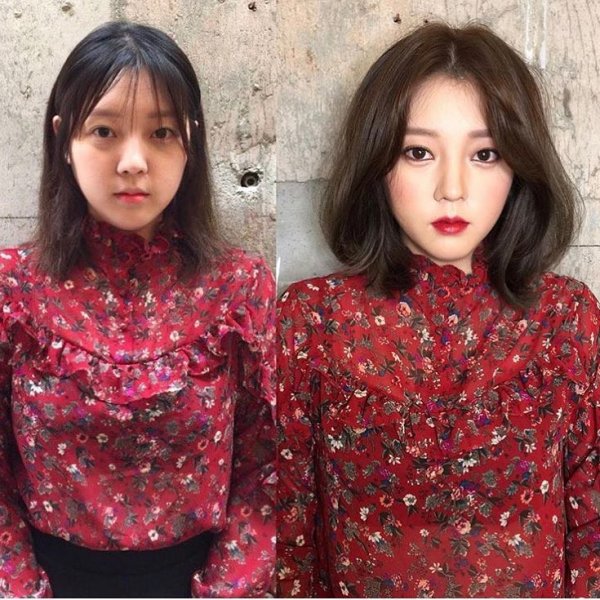
zene-1

2. SAD

zene-2

3. SAD

zene-3


4. Liban

zene-4

5. Rusija

zene-5

6. SAD

zene-6


7. Južna Koreja

zene-7

8. SAD

zene-8

9. SAD

zene-9


10. Rusija

zene-10

11. SAD

zene-11

12. SAD

zene-12

13. Rusija

zene-13


14. Azerbejdžan

zene-14

Izvor: lijekipriroda.com / novi.ba

For using special positions

Special positions are: sticky_left, sticky_right, notice, tool_bottom. You can use them for any module type. For using this, please go to Module Manager and config your module to your desired position.

You can disable by:

  • Go to Administrator » Template Manager » Your_Template » Tab: Advanced » Use special positions » select: No for all special positions
  • Go to Administrator » Module magager » Your_Module (by postion: sticky_left/ stickey_right/ notice/tool_bottom) » Status: Unpublish for that module

For customize module in special position

The solution is using Module Class Suffix. You can customize button, module content follow Module Class Suffix

E.g. Module Class Suffix: bg-white @bullhorn then:
- Class of buttom is 'ico-bullhorn'. If without @... the default is 'icon-pushpin'
- Class of module is 'bg-white'

Template Settings

Color

For each color, the params below will give default values
Blue Brown Green Pink Violet
Layout Style
Select menu